Why Legacy Social Media Tools Fail Solopreneurs and Lean Teams
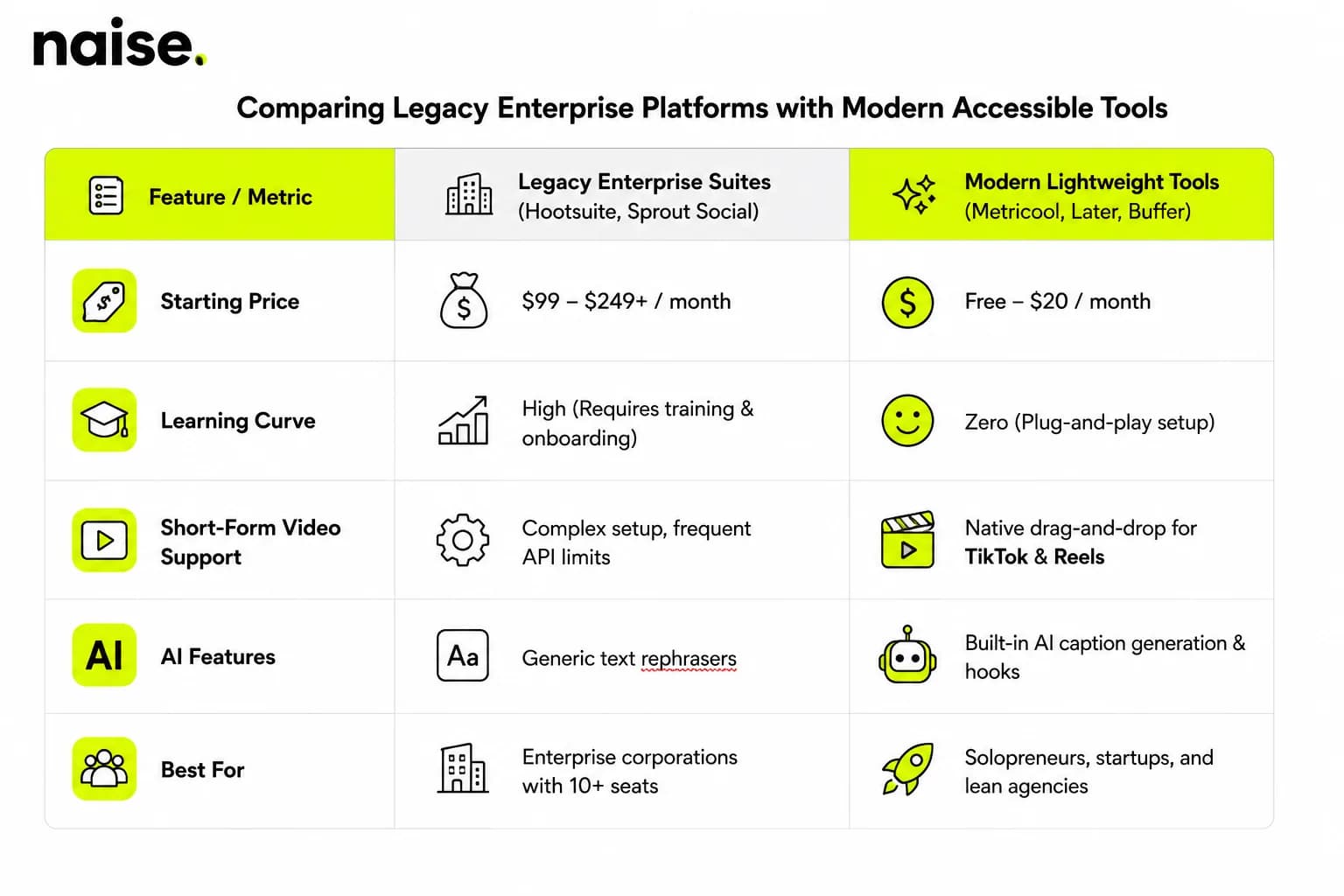
Most legacy platforms like Hootsuite and Sprout Social were built for giant corporate agencies with dedicated enterprise budgets. They lock essential features behind tier walls, charge extra for additional user seats, and overwhelm you with complex analytics dashboards you will likely never touch.
When your primary goal is simply scheduling weekly posts, reusing top-performing assets, and pushing short-form video to TikTok, Instagram Reels, and YouTube Shorts, paying $99 to $249 per month is absurd.
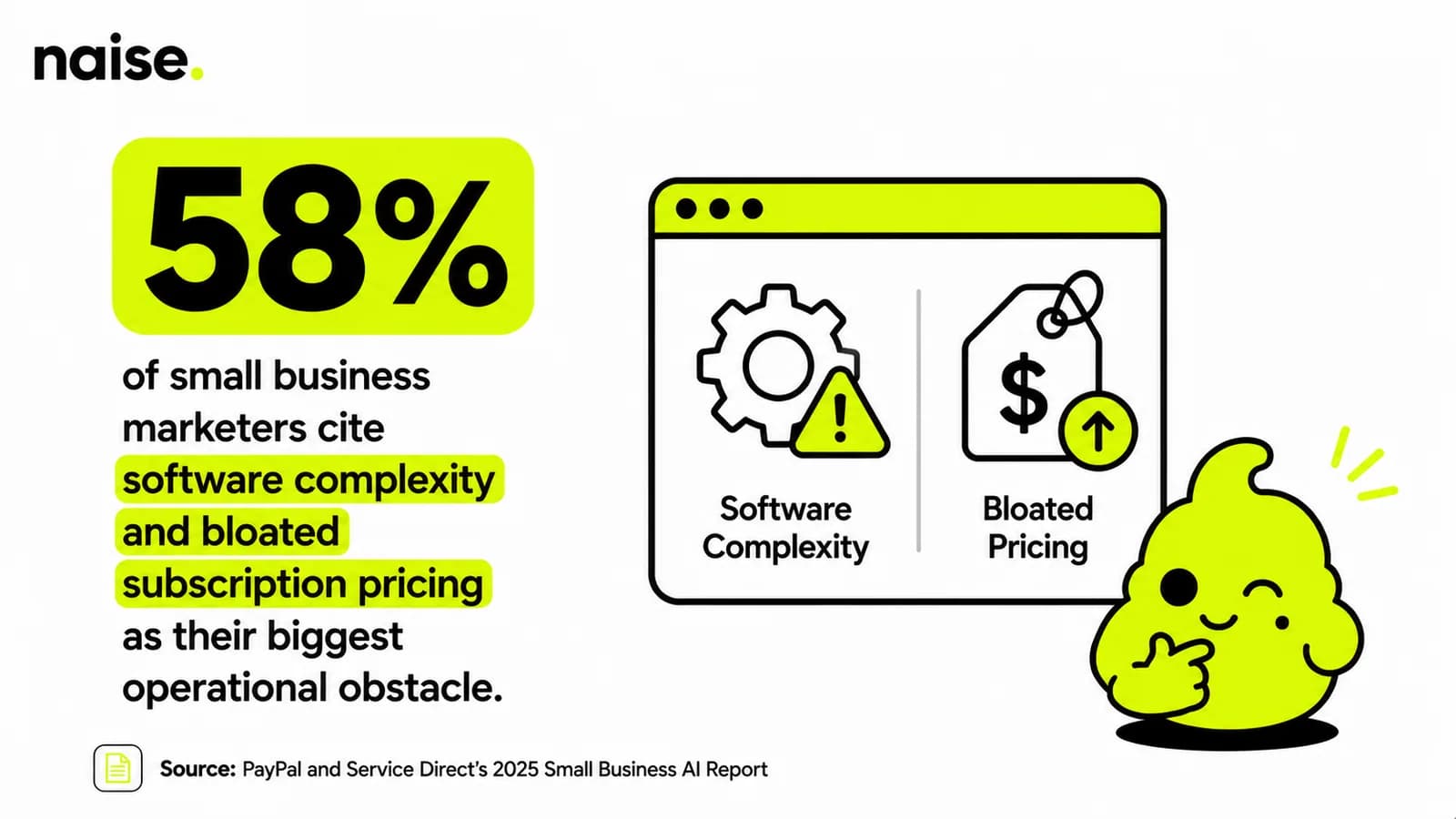
Modern creators and lean teams require easy social media post automation tools that offer intuitive visual planners, straightforward pricing, and native support for video algorithms without demanding an onboarding degree.
Key Capabilities Every Modern Automation Tool Needs
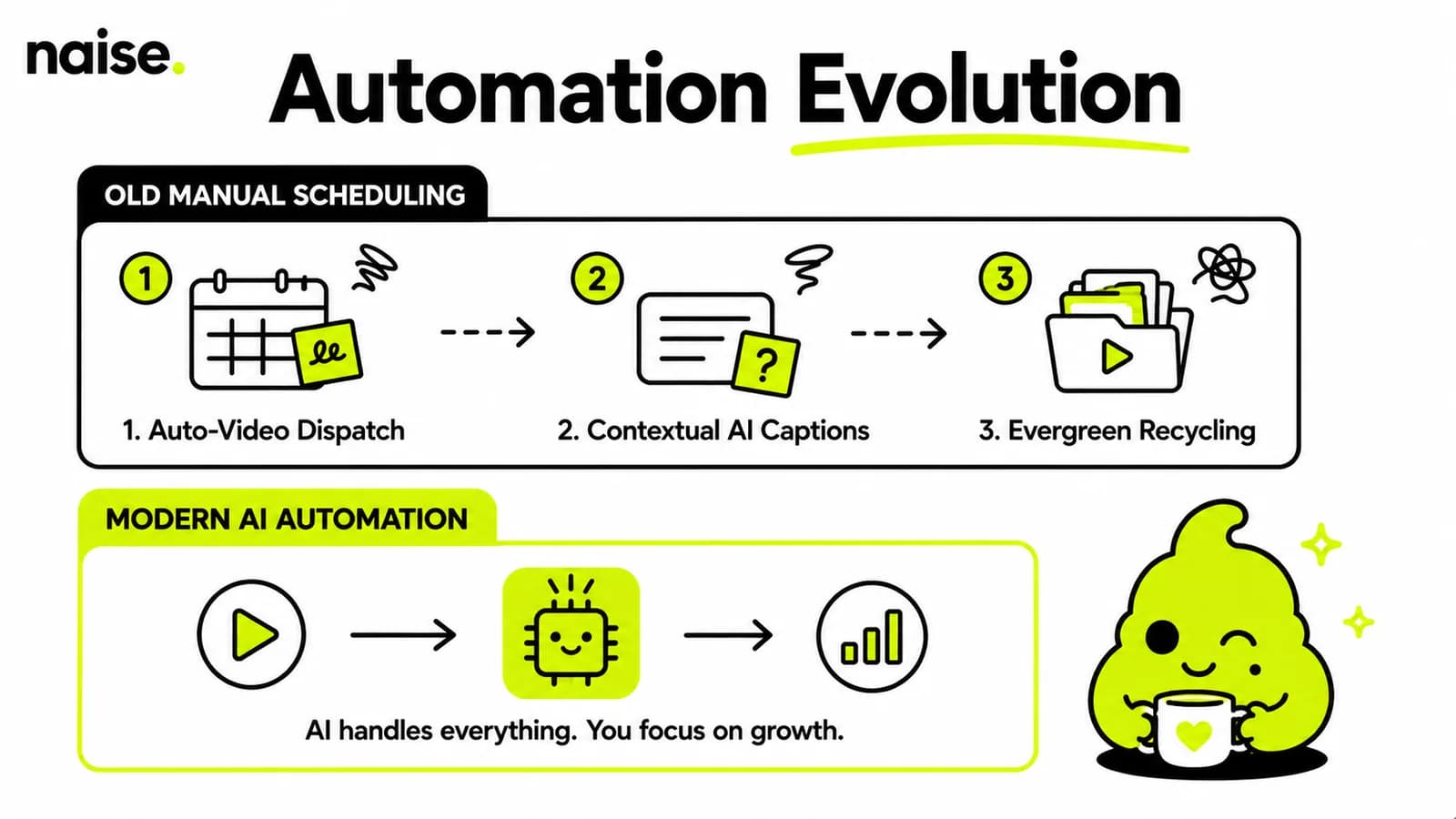
Basic scheduling is no longer enough to win on social algorithms in 2026. True operational efficiency comes from automating the repetitive steps that happen before and after you hit publish.
Short-Form Video Auto-Publishing: Your chosen software must natively publish vertical video formats to TikTok, Instagram Reels, and YouTube Shorts without requiring manual phone push notifications.
AI Caption Generation: Modern tools should draft engaging captions, suggest relevant hashtags, and adapt your core message for different platforms instantly.
Evergreen Content Recycling: Look for built-in queues that automatically re-queue your evergreen posts to keep your feeds active on autopilot.
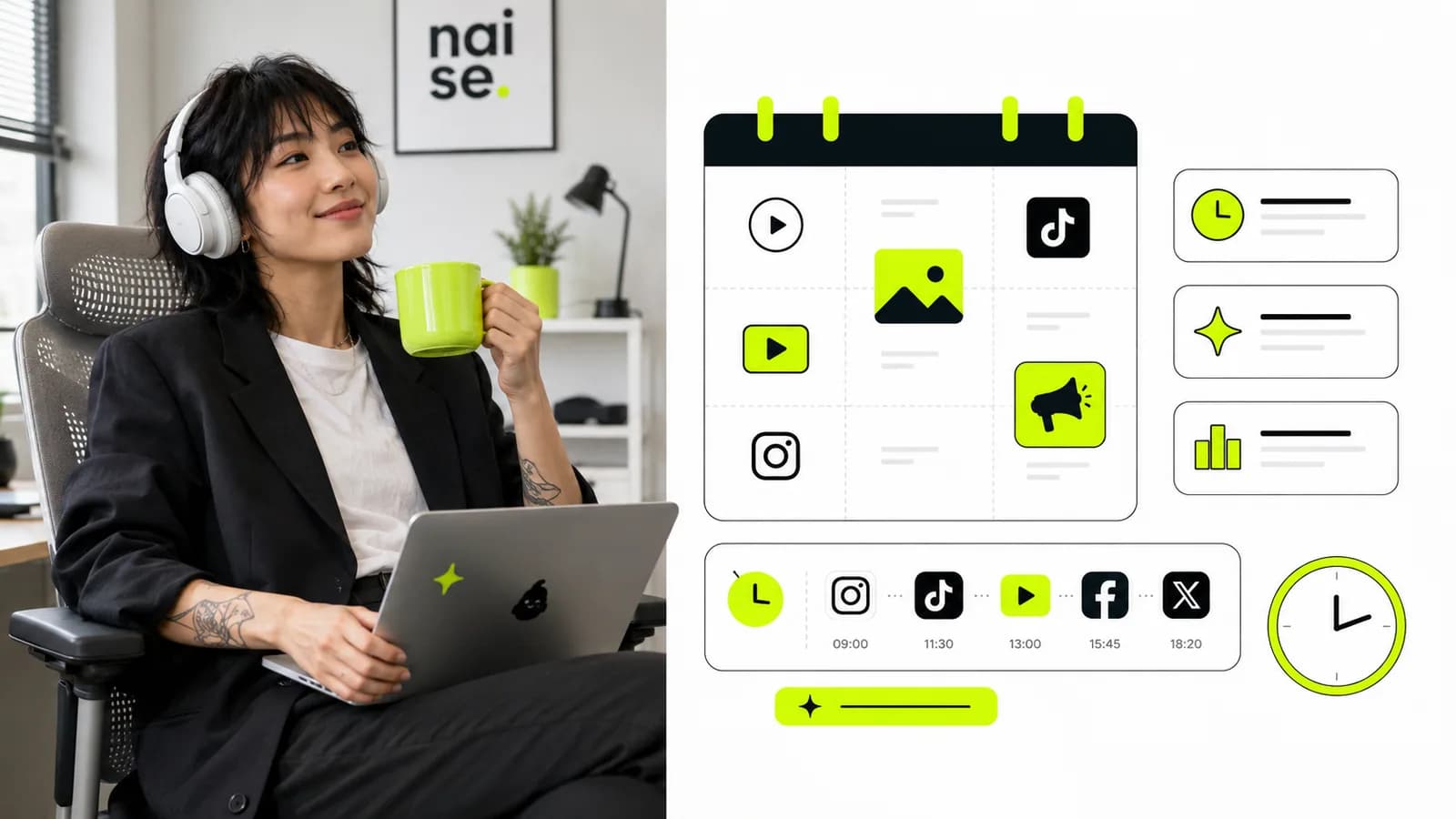
Visual Drag-and-Drop Calendars: A simple visual grid allows you to preview your Instagram grid aesthetic and drag posts across days in seconds.
Top Accessible Alternatives for Beginner Budgets
If you want simple setup processes, fair pricing, and immediate output, several modern platforms stand out over traditional enterprise giants.
1. Metricool
Metricool has become a favorite for creators and small agencies due to its robust free plan and visual interface. It lets you auto-publish short-form video across almost every social network, monitor ad performance, and schedule posts using simple drag-and-drop calendars without forcing you into expensive tiers.
2. Later
Later excels for visual-first brands focusing on Instagram, Pinterest, and TikTok. Its visual feed planner makes grid curation simple, while its media library helps you tag assets for quick re-use across campaigns.
3. Buffer
Buffer remains the clean, minimal gold standard for straightforward post scheduling. It provides a clutter-free interface, transparent pay-per-channel pricing, and browser extensions that let you queue content directly while browsing the web.
Recent 2026 data shows enterprise legacy suites average roughly $1,000–$2,500/month, versus $15–$80/month for lightweight social schedulers.
Comparing Legacy Enterprise Platforms with Modern Accessible Tools
The Hidden Bottleneck: Why Tool Stack Fragmentation Kills Momentum
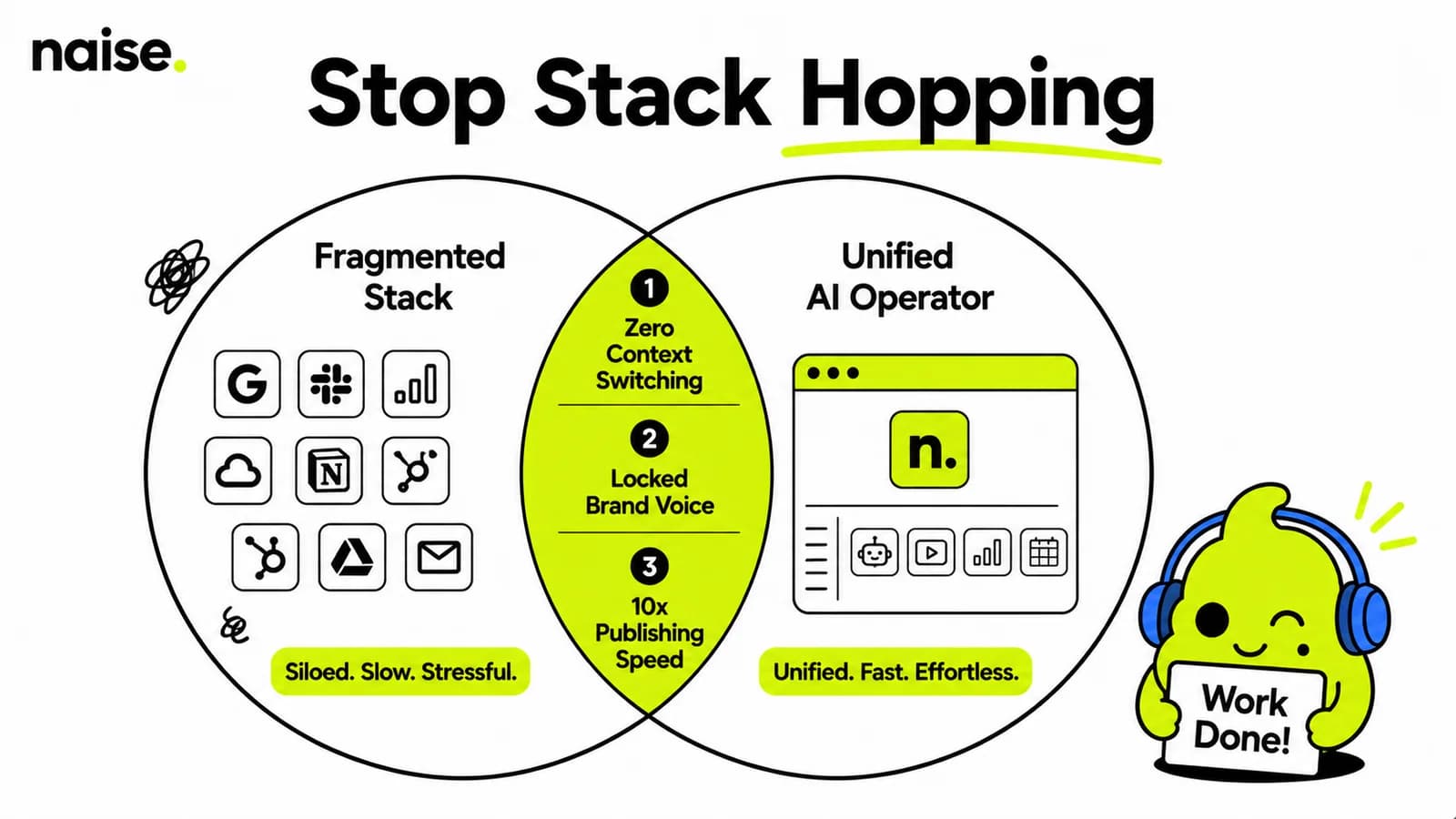
Even when you adopt simple schedulers, a deeper problem often emerges: tool fatigue.
You might end up using ChatGPT for brainstorming hooks, Canva for graphics, Notion for content calendars, and Metricool for publishing. Moving assets and pasting copy between four separate browser tabs recreating context every single time wastes hours of administrative effort.
True efficiency happens when context, strategy, visual generation, and automated posting live inside a single cohesive execution environment.
Automating Content Creation and Scheduling with Naise AI
Instead of stitching together disconnected apps and typing repetitive prompts daily, you can manage your entire social media strategy inside Naise AI. Here is how you can transform your creative workflow into an effortless, automated system:
Step 1: Upload Your Strategy to Projects
Open the Dashboard and navigate to Projects. Upload your brand guidelines, past top-performing posts, tone-of-voice docs, or product PDFs once. Naise AI stores this persistent memory so every post automatically retains your distinct brand identity without constant prompting.
Step 2: Open Naise Chat & Select a Playbook
Inside Naise Chat, select a pre-configured Playbook template like "Post from a brand pillar" or "Strategy sprint plan". These agency-grade prompt templates eliminate prompt fatigue entirely, just tap a field and fill in your topic.
Step 3: Deploy the Autonomous SMM Agent
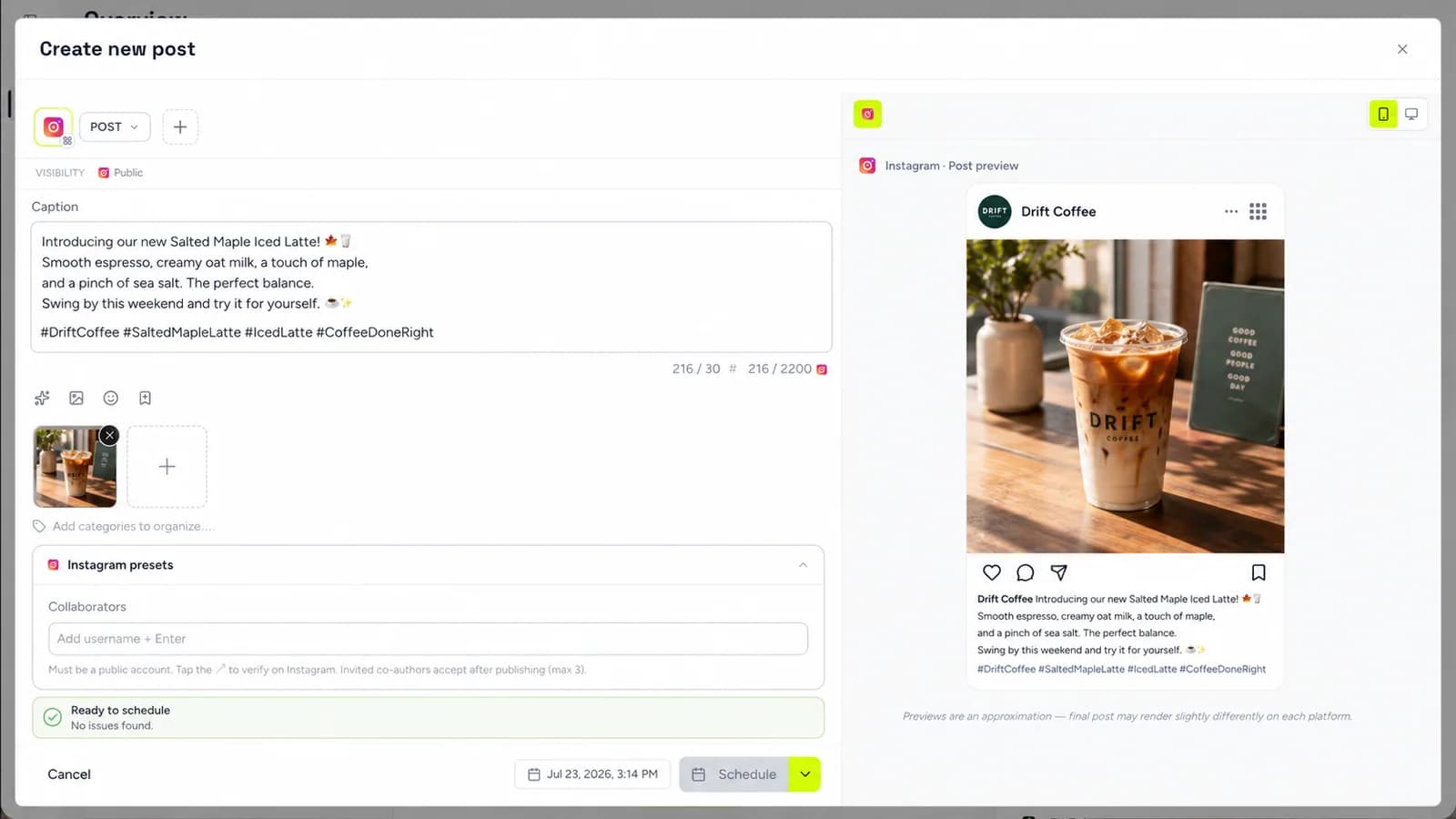
Delegate the task to your virtual teammate: the SMM Agent. The SMM Agent generates on-brand captions, applies your custom emoji policies, verifies banned phrases, and designs matching visual assets.
Step 4: Review and Autopost
Preview your content calendar directly within the interface. Once approved, the SMM Agent publishes your posts directly across connected channels like Instagram, TikTok, and Facebook.
Automating your social media presence should bring relief, not high monthly invoices or complex technical setups. By moving away from bloated enterprise legacy tools and embracing modern, unified AI workflows, lean teams can publish consistent content across platforms without sacrificing strategic clarity.
Ready to see how your social presence compares to top competitors before automating? Run a complete audit of your brand in under a minute.
Frequently Asked Questions (FAQs)
What are the easiest tools for automating social media posts for beginners?
The easiest platforms for beginners include Metricool, Buffer, and Later. These tools offer intuitive visual drag-and-drop planners, minimal learning curves, and free or low-cost plans that fit small business budgets.
Can automated tools auto-post TikTok videos and Instagram Reels?
Yes, modern social media management tools natively support auto-publishing for vertical video formats like TikTok, Instagram Reels, and YouTube Shorts. Platforms schedule and publish video files directly without requiring manual mobile app push notifications.
How does AI caption generation work in social media automation?
AI caption generation uses contextual language models to generate platform-tailored post copy, hooks, and call-to-actions based on your specific post topic or uploaded media asset. Advanced systems like Naise AI pull directly from your persistent Projects memory bank to ensure captions match your brand voice perfectly every time.